Started this project when I started working from home. I moved out to the garage and wanted a way to let the family know when I was on an important call. Bonus points if it works by itself…
So I looked around the house for some spare wood and other parts I could use. Had to order a few things. But in the end I am SUPER HAPPY with the finished project. Making a log of it in case I need to help make another or this one breaks.
Finding Parts
So I had the wood and fortunately the perfect light to disassemble to make this. In the end all I had to order was the opaque plexiglass and a smart bulb. These are the items I used:
- Tin Foil
- Thin opaque white pvc board
- Ikea Hanging Light
- Smart Lightbulb (or a smart switch but that’s less cool)
- Large Letters
- Wood (scraps, enough to make a Square box)
Assembling
Finally time to assemble the project. I Built the outside with some extra wood I had laying around. Drilled a hole for the smart light I planned on using. Ended up going with a cheap Yeelight I got on sale. Tested the smart light with the plug and made sure the hole was drilled correctly.
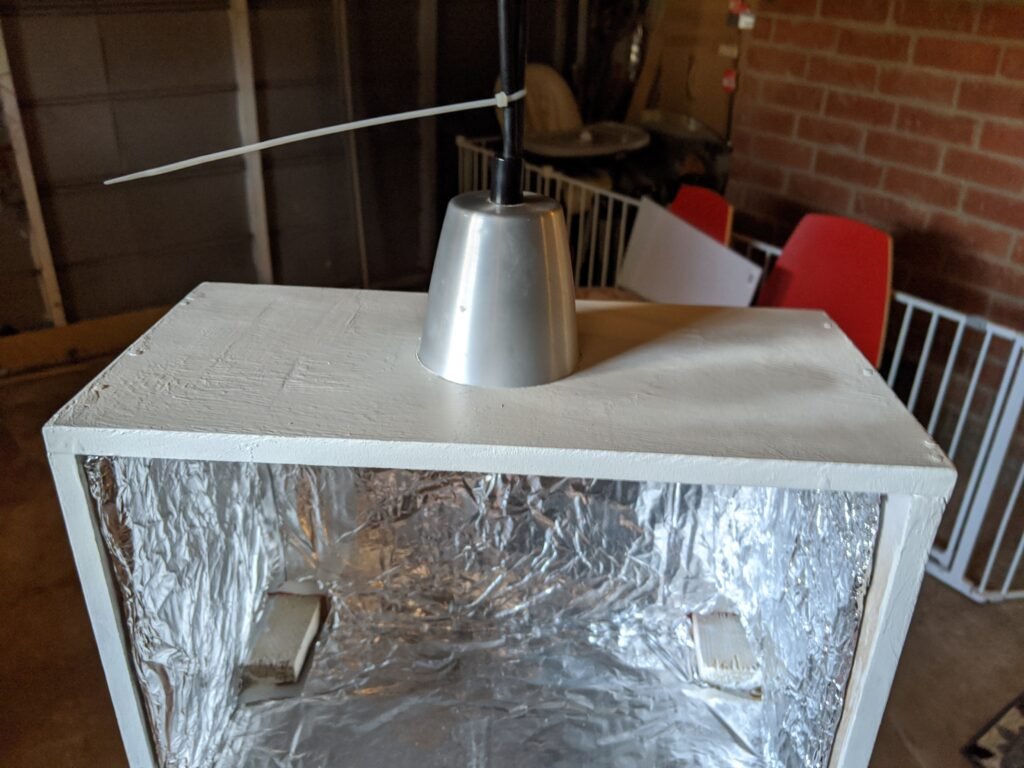
Next we painted it white and put some thin particle board on the back. Used tiny screws to attach.
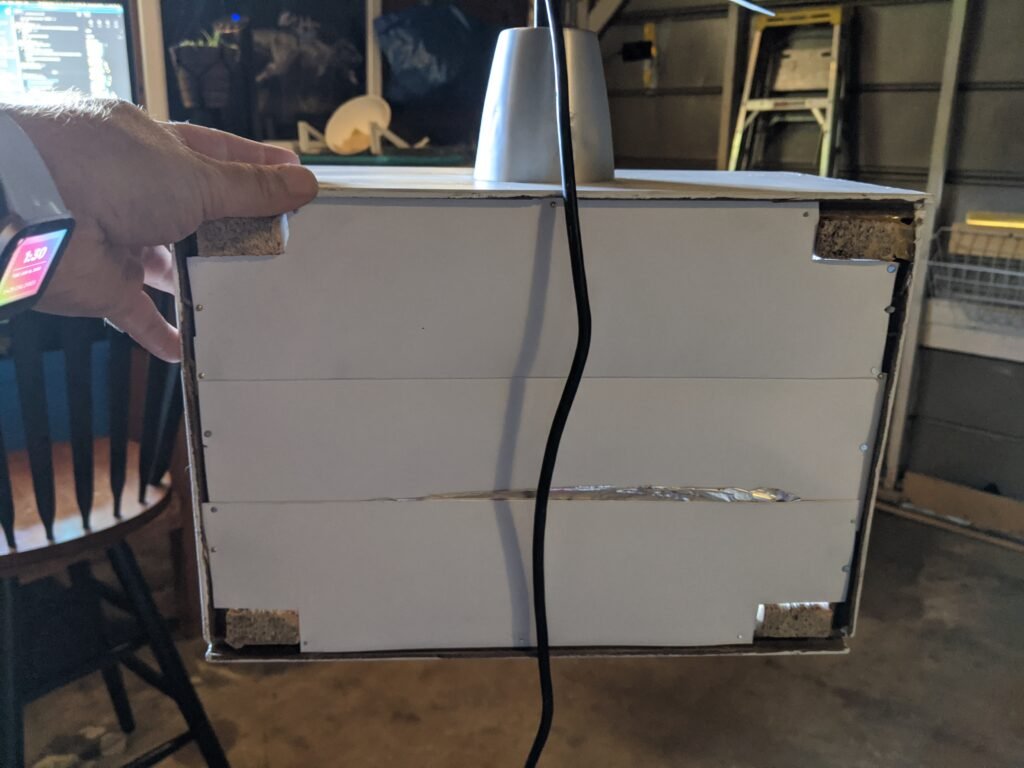
Then I filled the inside with Tin (Aluminum) Foil to reflect light better, and make everything more even.
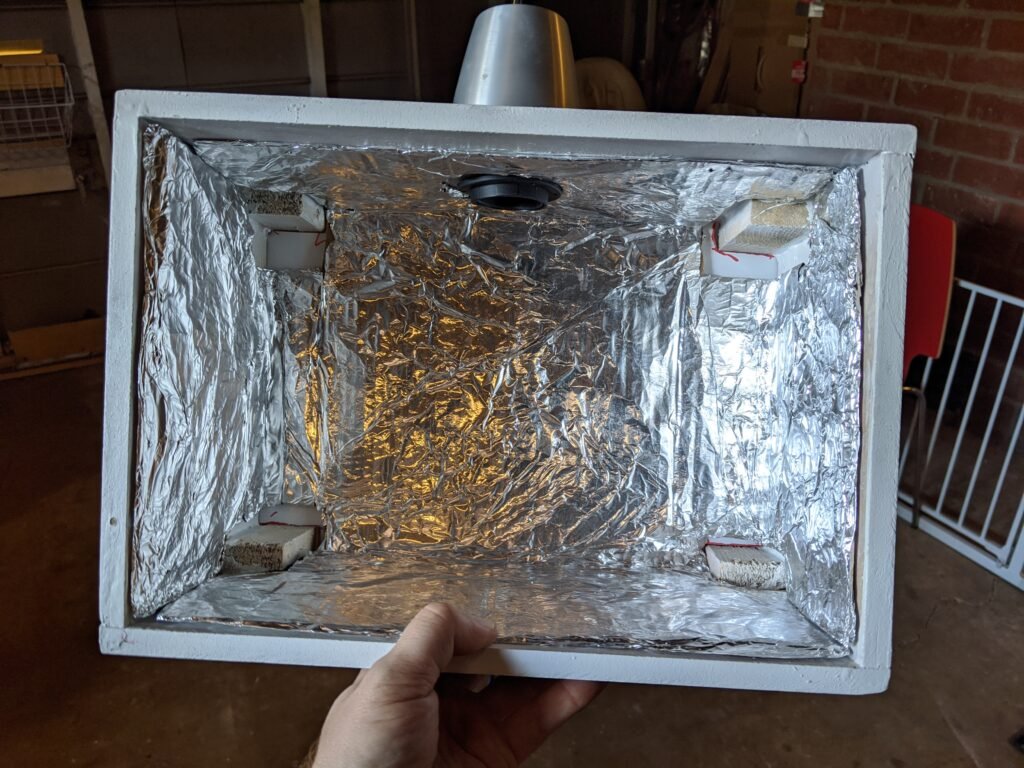
Cut yourself a piece of the PVC Board the same size as the opening on the box. Then sand down the edges to make em smoooth like baby butts.
Attach with six small screws. Four in the corners, the other two in the middle of top and bottom.
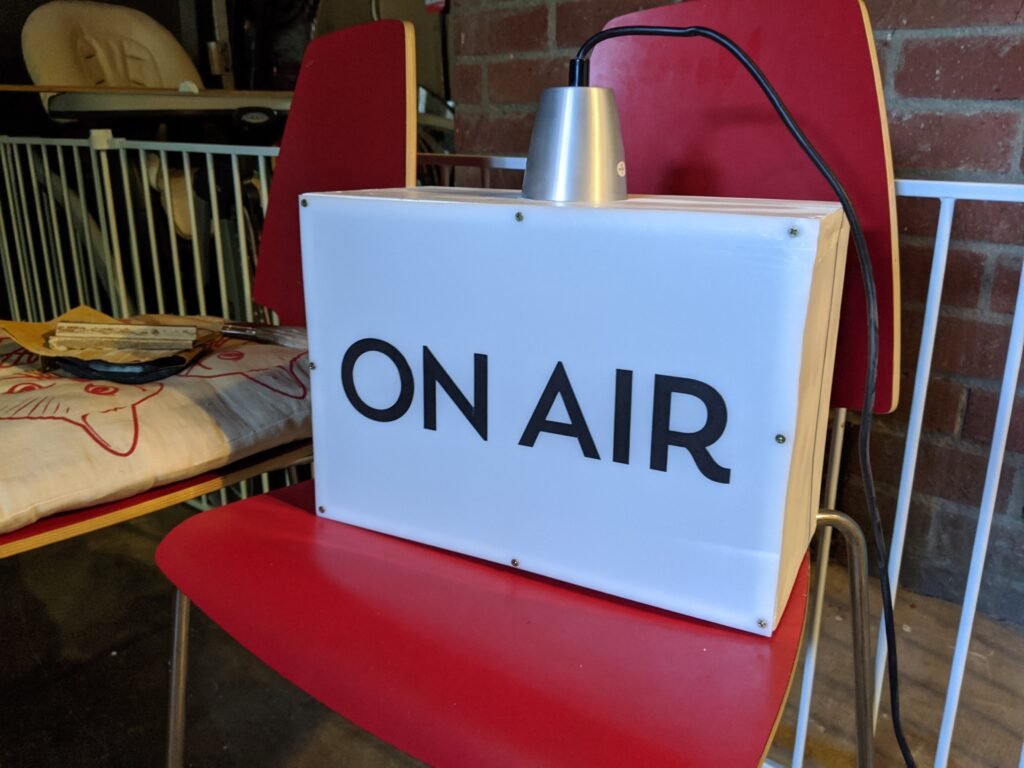
Place your letters.

Hang light, test, and celebrate your genius.
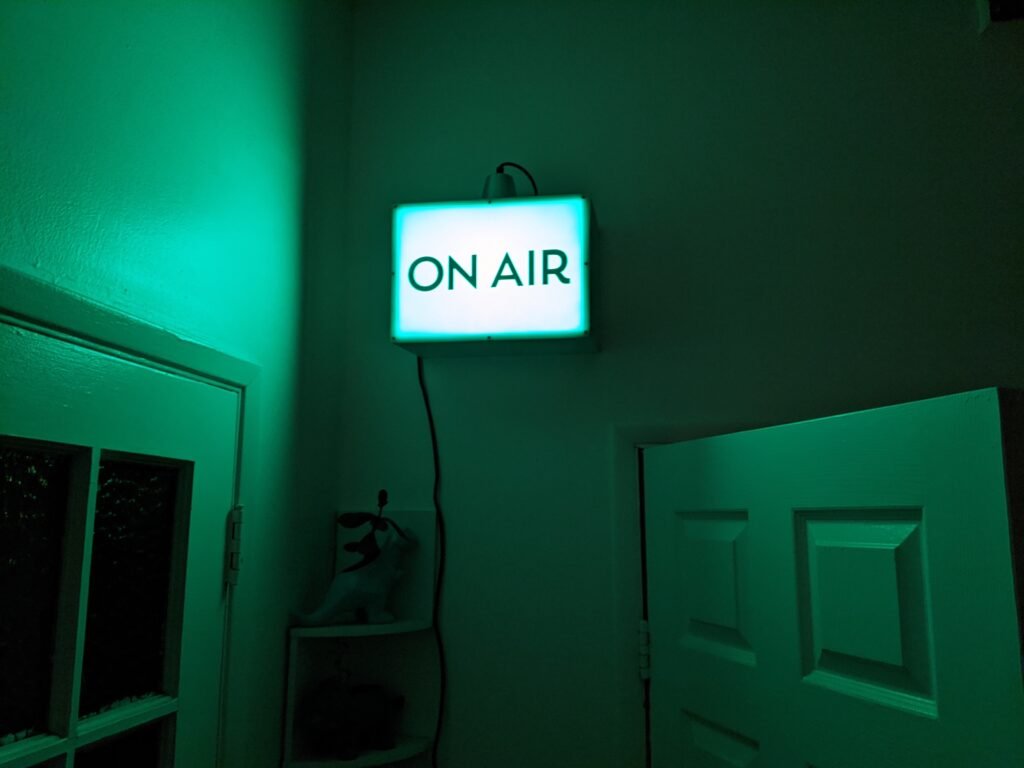
Connecting to Zoom
It’s easier than I thought.
Once it’s hung up you need to pick a way to make it change with a trigger. I used Home Assistant.
With HACs I was able to add it quickly. Then I found the entity I had added, found the metric that was changing from on call to off call and made an automation for turning it on and off.
SOOOO SIMPLE.